menu bar icon issues
Completed
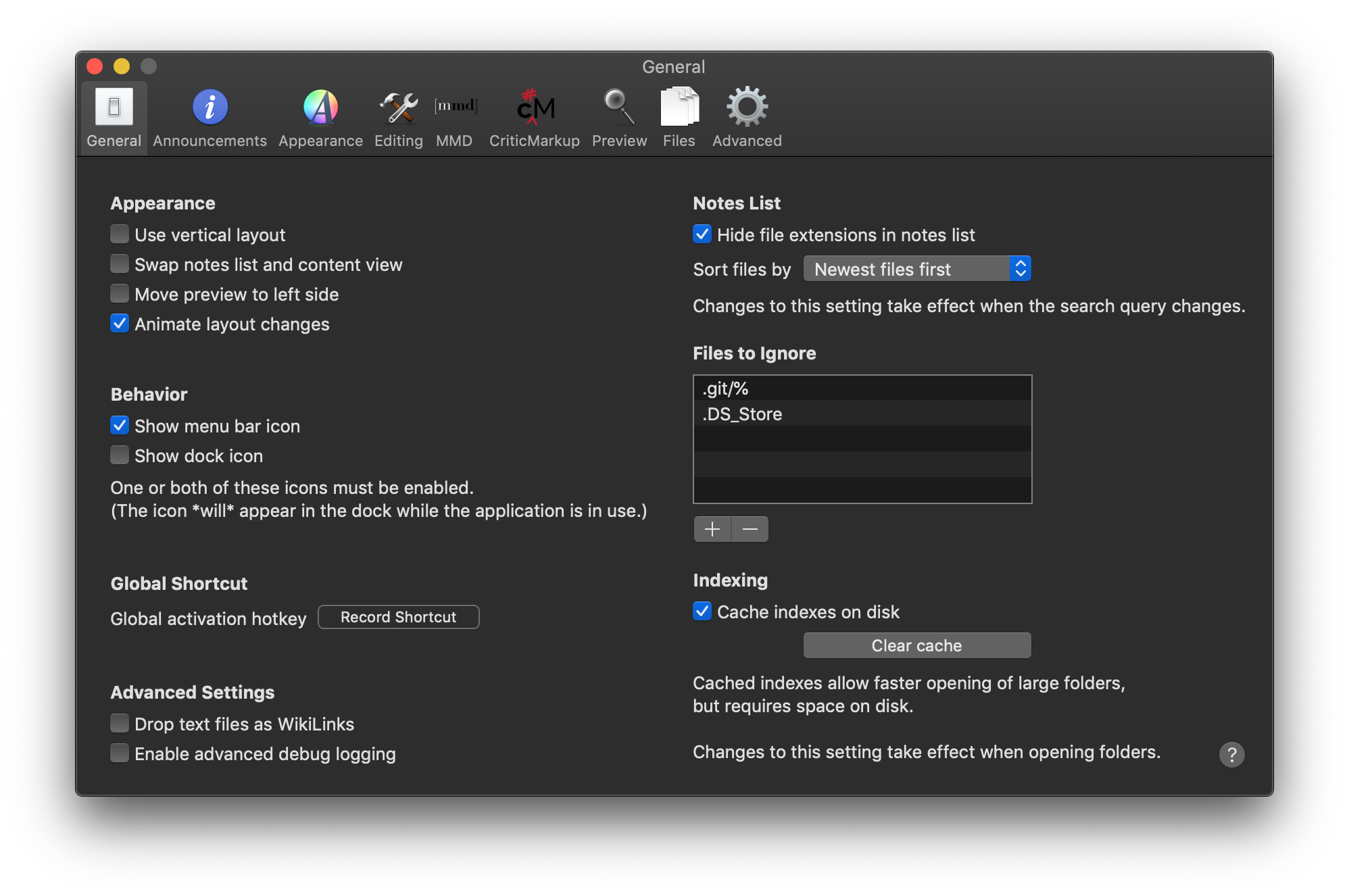
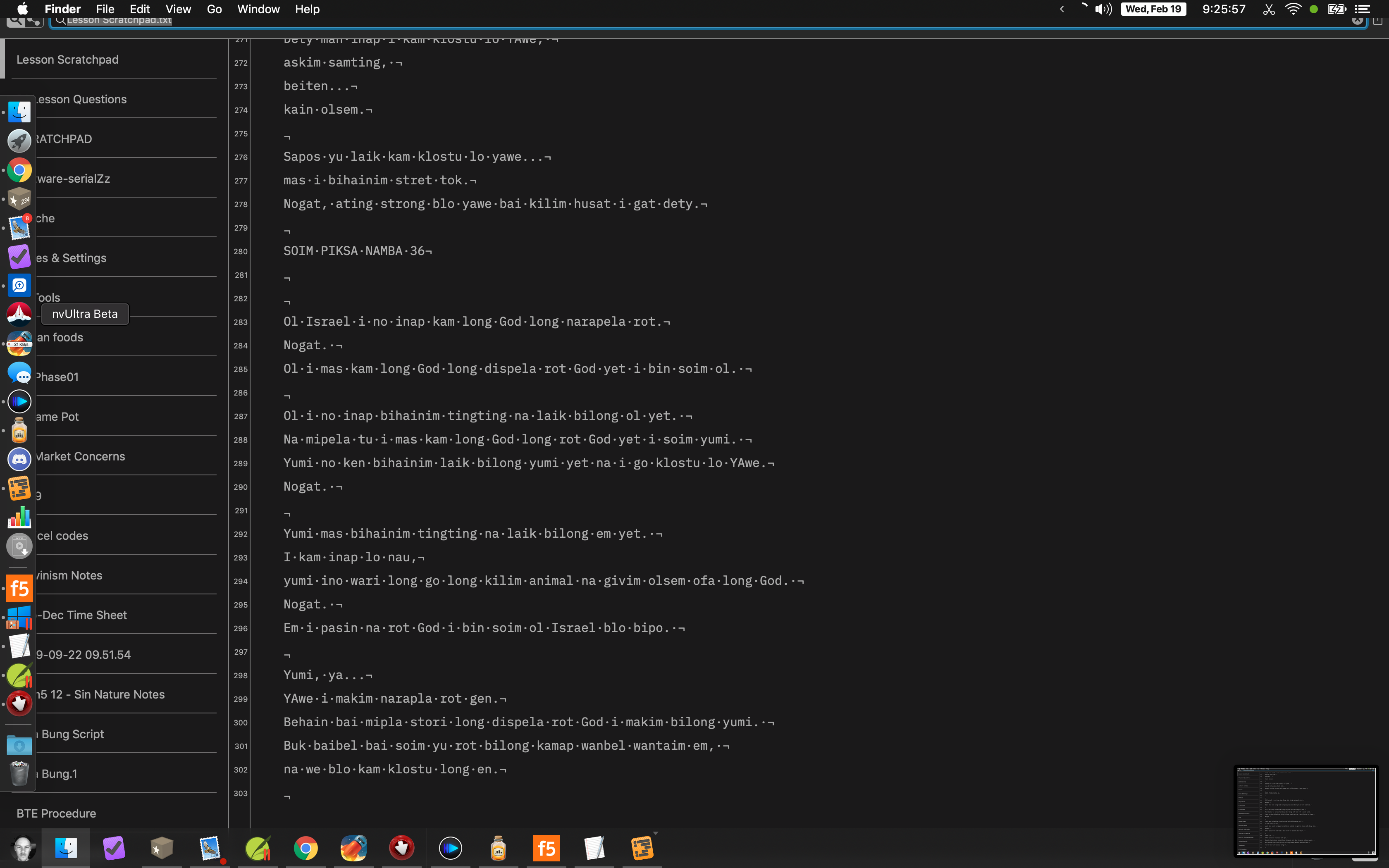
When only 'menu bar icon' is checked in settings, I get strange window behavior in 'fullscreen' mode. nvultra seems to 'take over' my desktop.
Enabling 'show dock icon' again fixes this.
(Sorry, can't figure out how to 'comment' on zendesk posts! :|)
-

What do you mean by "take over your desktop"? That's what fullscreen mode is supposed to do (take over the whole screen), or am I missing something?
0 -
<bump>
0 -
I think I figured out what you meant -- you enabled full screen mode for the window, but have also enabled the "menu bar only" mode which is used to allow for "quick access" to nvUltra, but remove it from view when not in use.
Those two things aren't designed to work together. If you want to use full screen, you should be in regular mode ("Show dock icon" must be enabled). If you want to use the "menu bar only" mode ("Show dock icon" disabled), then you should not use a full screen window.
I'll disable full screen when the dock icon is disabled to prevent users from accidentally trying to do both simultaneously.
Thanks!
0
Please sign in to leave a comment.
Comments
3 comments