Dark mode in Save As dialog
Completed
Using macOS 12.3 - MMDComposer5, Version 5.0.0 (2022.03.16.03.42) - on a Silicon MBA.
Although not selected dark mode in System Preferences/General tab - when calling the Save dialog window (for a Save or Save As) that Save dialog window is dark.
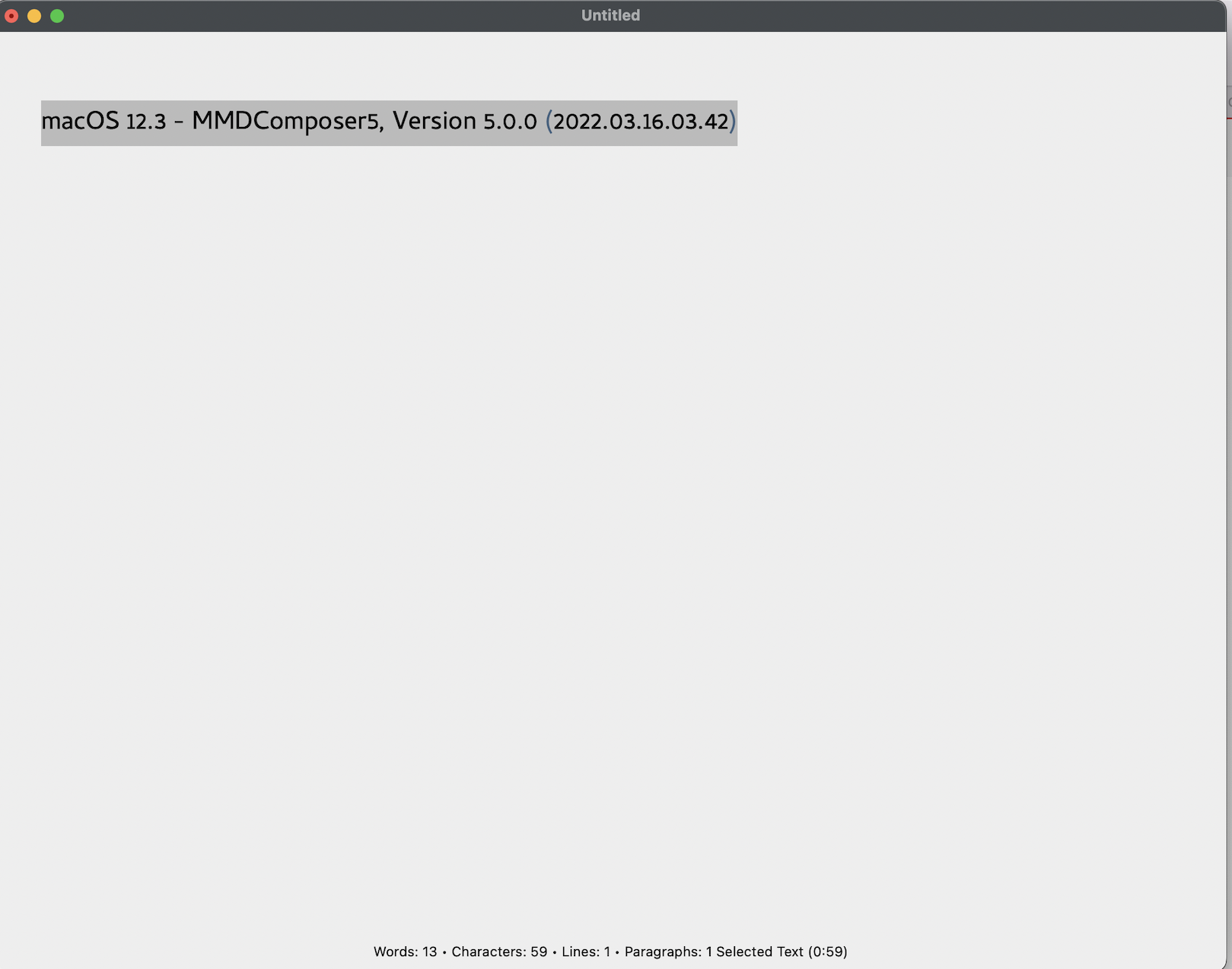
Editing screen:
With save dialog window:
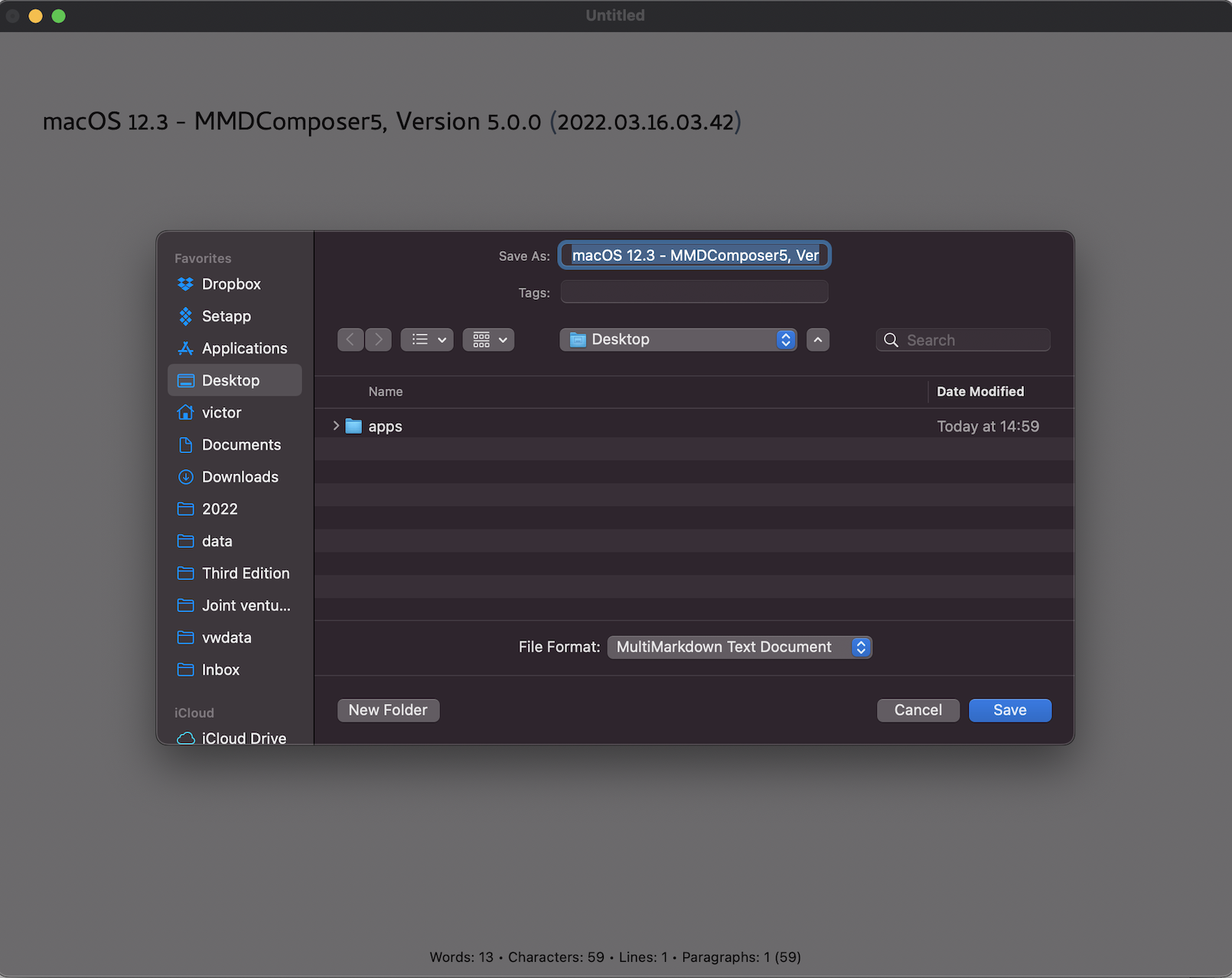
Is there a setting in MMD5 preferences to control this?
0
-

That's because the theme you are using (Modern Red) is a dark mode theme. Switch to a light mode theme (e.g. Solarized) and the save dialog uses light mode.
You can modify the themes however you wish.
0
Please sign in to leave a comment.
Comments
1 comment