Preview is inconsistent when opening an existing document

I like to keep the Markdown and Preview panes open all the time. Earlier today, I opened an existing document and the preview looked fine (with the default settings). Now I've added custom CSS for the preview, and when I open the same document I've seen two oddities:
* Once the preview was blank. Editing the Markdown fixed that. Sounds like this one for nvUltra. See screenshot of Preview prefs.
* Once the preview appeared in Times Roman. Re-selecting my custom CSS fixed that. This feels like the issue I reported with Composer v4.
5.0.0 (2022.03.14.00.41), macOS 12.2.1, Mac mini M1.
Many thanks, Charles
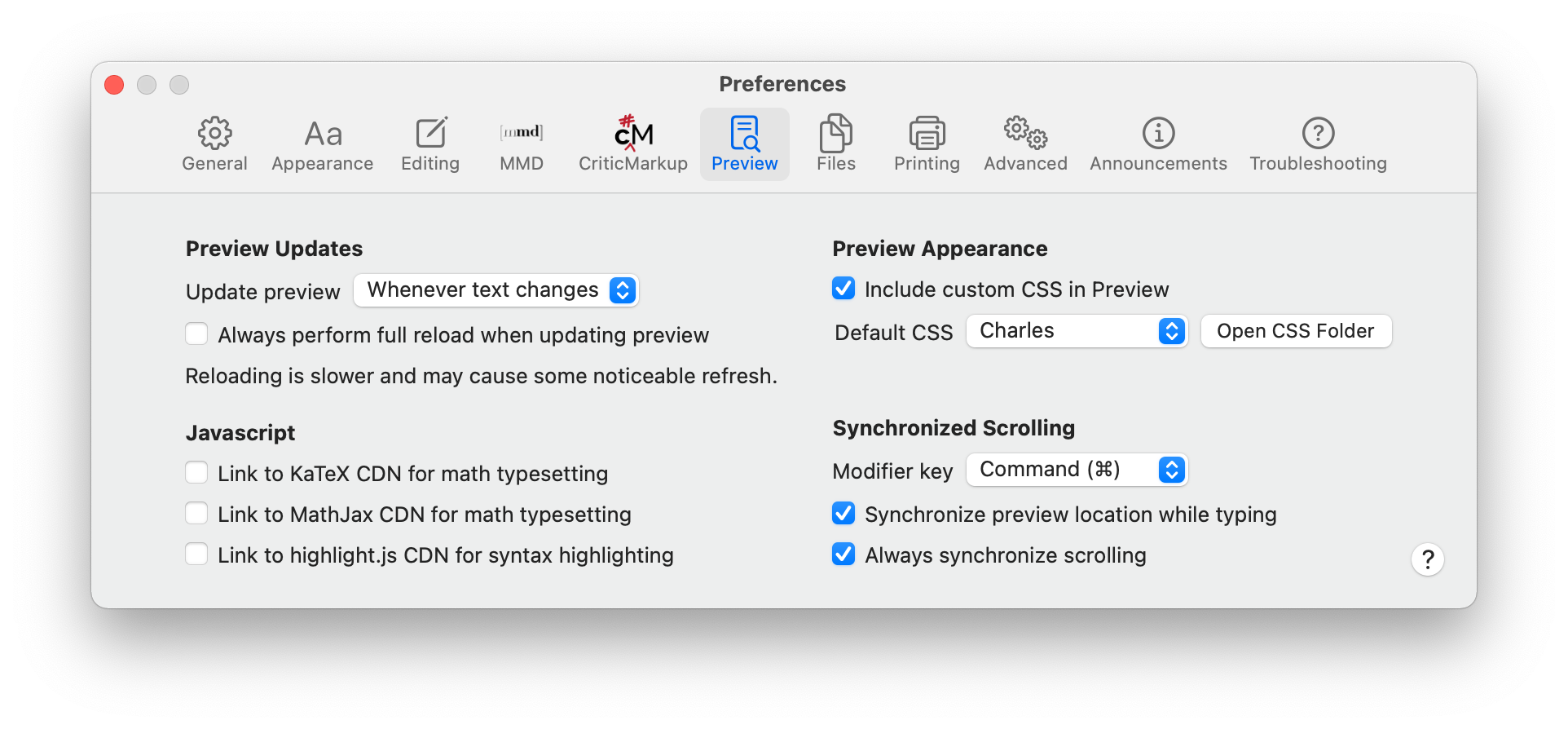
-

There is very little shared code between Composer v4 and v5 -- bugs will be different. (This is good and bad... :)
Have you validated your CSS to make sure there are no issues in it? Apple's WKWebView seems to be fairly tolerant of malformed documents, but always good to check.
This may be a race condition between different threads that only happens on certain computers with certain documents. May be very hard to track down, but I'll see what I can find on my end.
0 -
Thanks. I'll see if I can pin it down. I did see the Times font problem with your built-in GitHub style, so I'm guessing it is not simply my own imperfect CSS that's to blame. Sorry for mentioning v4, but from the outside this does look similar to my previous problem. However, v4 would reliably open a document in Times, whereas with v5 it's intermittent.
If you could see your way to bringing back the ability to change the preview CSS from the contextual menu, that would be excellent.
0 -
I need to add the contextual menu back in. Thanks for reminding me.
0
Please sign in to leave a comment.
Comments
3 comments