[Bug] Text and preview disappears while typing in the new build (71)
Completed
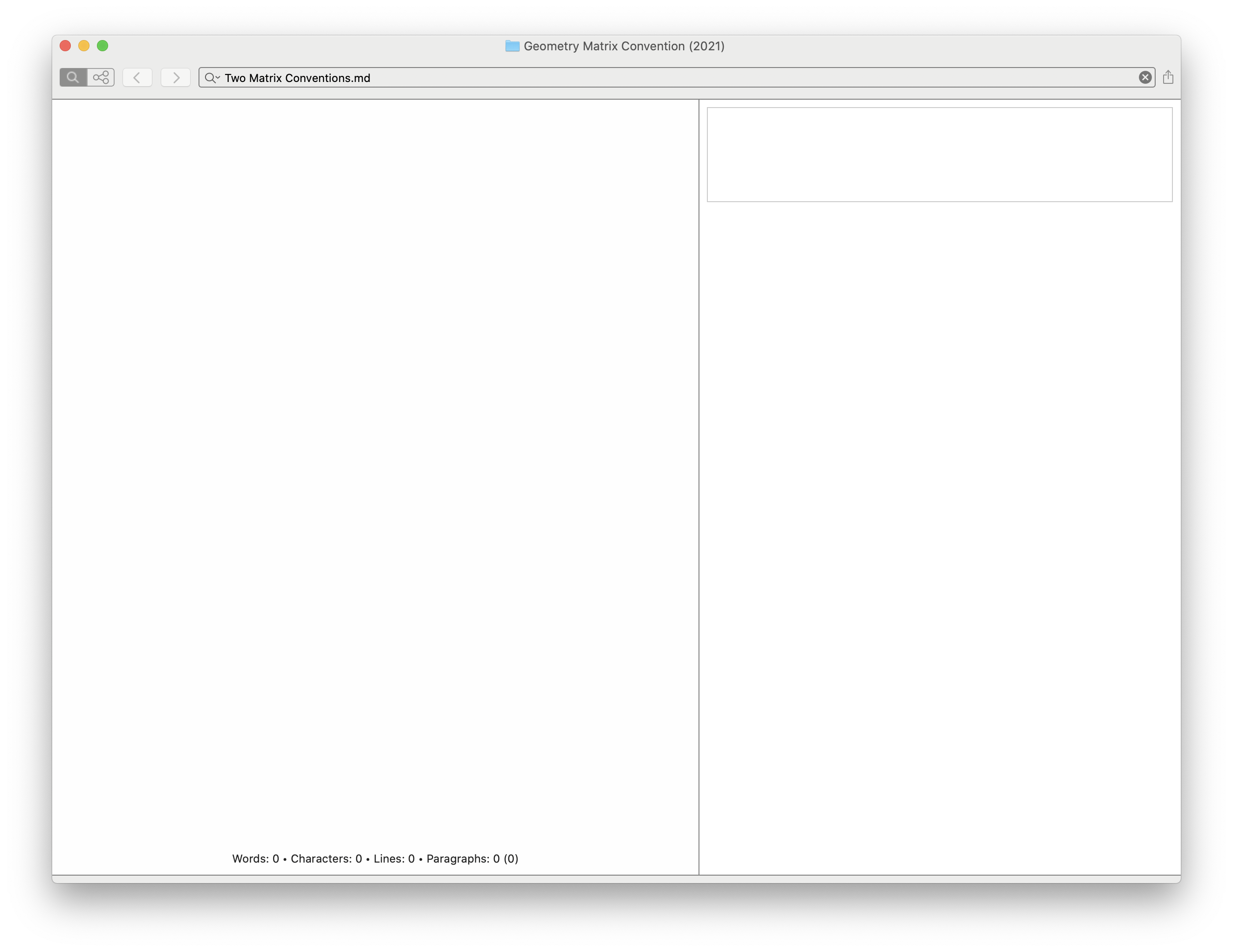
I just installed the new build (71). I created my first note with it, and I had typed a few paragraphs, a tag, a bulleted list, a line of code, and a couple of headers. While typing, the text and preview panes went completely blank. I tried to get it to refresh/repaint by resizing the window and moving the text/preview splitter, but that did not work.
I closed and reopened by notebook, and then my previously typed text was there.
Screenshot of the blank state:

I haven't yet attempted to reproduce this. I wanted to capture the screen shot and report this before moving on with my work.
iMac (Retina 5K, 27-inch, 2019)
macOS Catalina, 10.15.7
-

I haven't seen anything like this happen with daily usage. Because the preview in your screenshot is showing an empty outline, it does appear that the content is actually registering as empty and it's not just a visual glitch. If you're able to reproduce this, please let us know. I'll do some testing in the vertical layout and see if that causes anything similar.
0 -
Will do. I haven't seen it again so far.
0 -
I continue to see this happen, but I haven't figured out exactly what triggers it, or how to reproduce it. Also, I see that someone else reported a similar problem in the forum a few days ago.
0 -

If it happens again, can you send a copy of the file in question right after you "recover" it? I've never seen this happen.
Thanks!
0 -
Yep. I just tried it again, thinking that maybe I could easily observe the problem since I saw it several times the last time I used the beta. But of course, I saw no issues. Maybe that was because I was typing random Latin text; the problem only happens in English. ;-)
0 -
I just caught this again. This time, I had the Preview pane on, the file list off, and the word/character count info turned on.
As soon as I saw the text disappear, I stopped typing, took a screen shot, and saved a zip of the folder and the note ("Two Matrix Conventions.md"). Here is the screen shot. Note the info counts at the bottom are all 0.
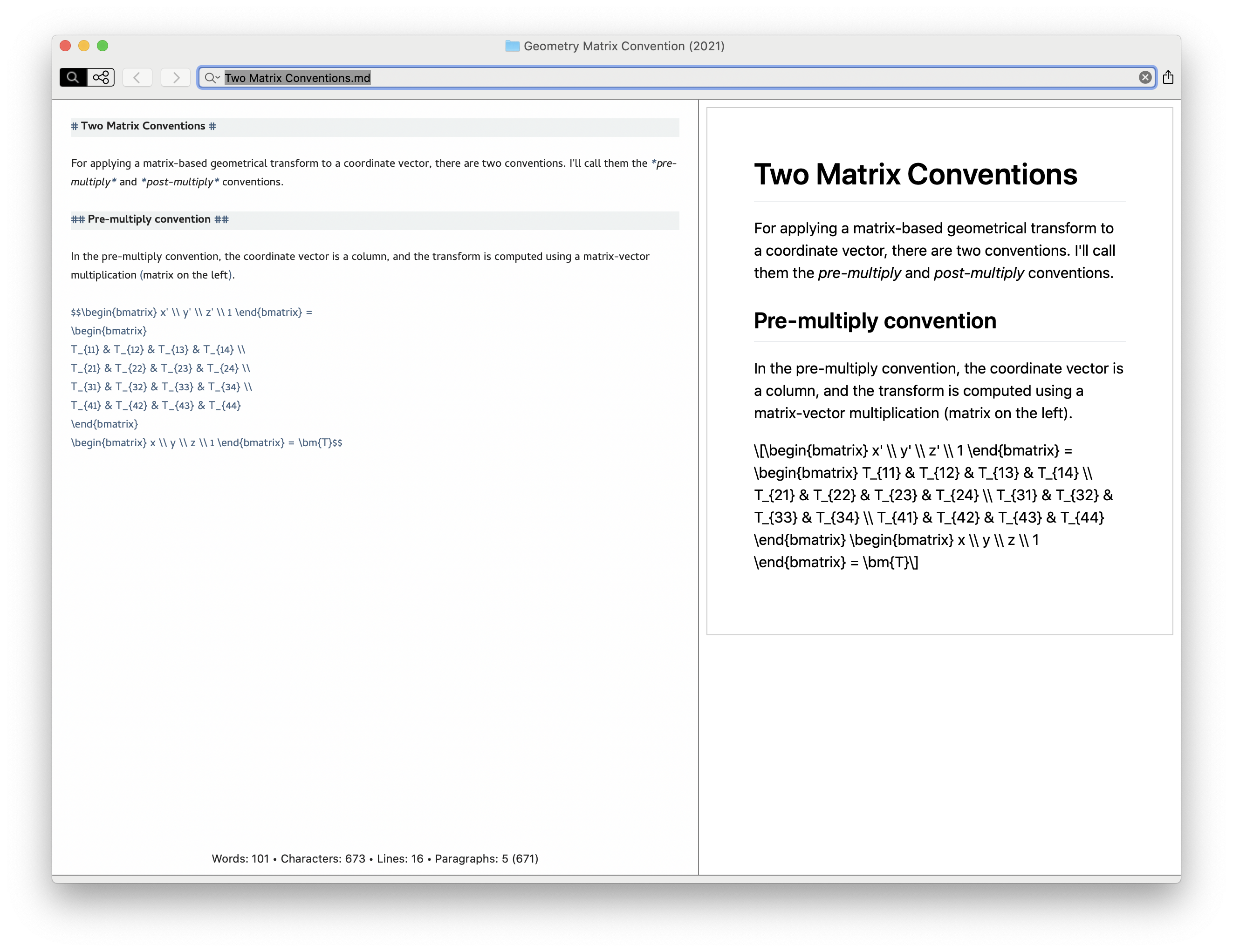
After getting the screen shot and zip file, I toggled on the file list and clicked once on "Two Matrix Conventions.md" in the file list. The text immediately came back in the text entry and preview panes. I took another screen shot and grabbed another zip of the folder and the note. The file "Two Matrix Conventions.md" was not changed. Here is the second screenshot:
If there are any other steps I can take to assist with troubleshooting, let me know. (Log files? A diagnostic build?)
0 -
And again. I created a new note in a different folder, and the text disappeared halfway through typing the first sentence.
In case it might be important, all of my files and folders are in locally-synced cloud storage locations. Personal files are in locally synced Dropbox folders, and work files are are in locally synced OneDrive folders. I have seen the problem occur in both.
0 -
Is this still happening?
0
Please sign in to leave a comment.
Comments
8 comments