impossible to enter text into note -- or just missing something?
Completed
Haven't seen this reported elsewhere but I am experiencing an issue that is making it impossible to use nvUltra.
I'm now using nvUltra 1.0.0 (44) on macOS Mojave (10.14.6) using a 2018 MacBook Air, but note that this issue predates 44, which I only got by auto-update yesterday.
I've literally checked my preferences 20 times to ensure this is not user behavior--but it has become completely impossible to enter text content into a note within nvUltra. The view seems to be stuck on the preview of rendered MMD and there is no way to add plain-text content except for editing the item in an external notes editor. Here's a screenshot showing the nvUltra window with the preview pane at right but no option to enter text anywhere:

For the example above I used an empty folder in the Navigator selection and created two new notes from within nvUltra. However, unfortunately, whatever this issue is seems to be affecting pre-existing notes also and prevents the content from being edited within nvUltra:
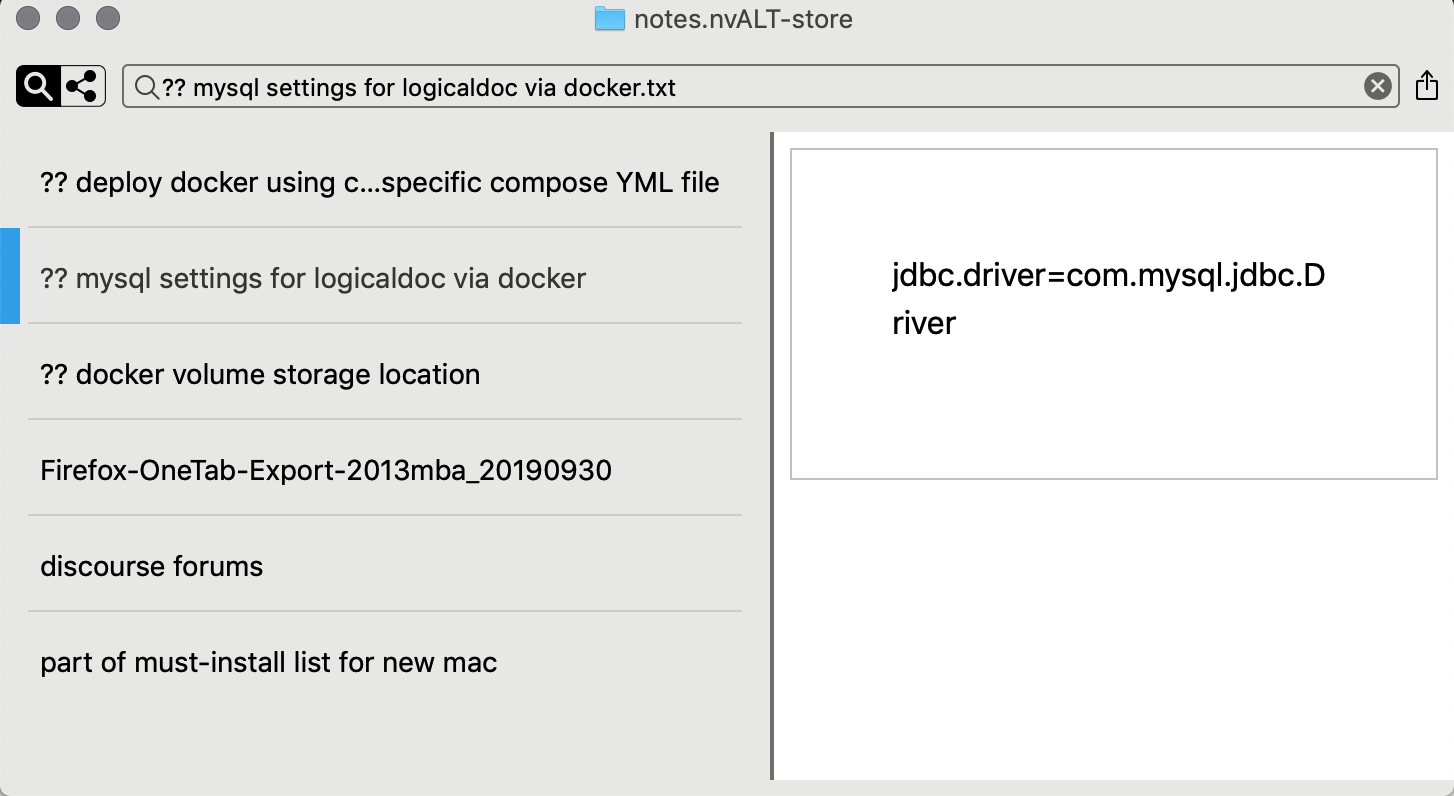
Before I quit and relaunched nvUltra a couple of times, the content of the notes wasn't even showing up in the Preview pane at right of the screenshot--the pane was just completely blank.
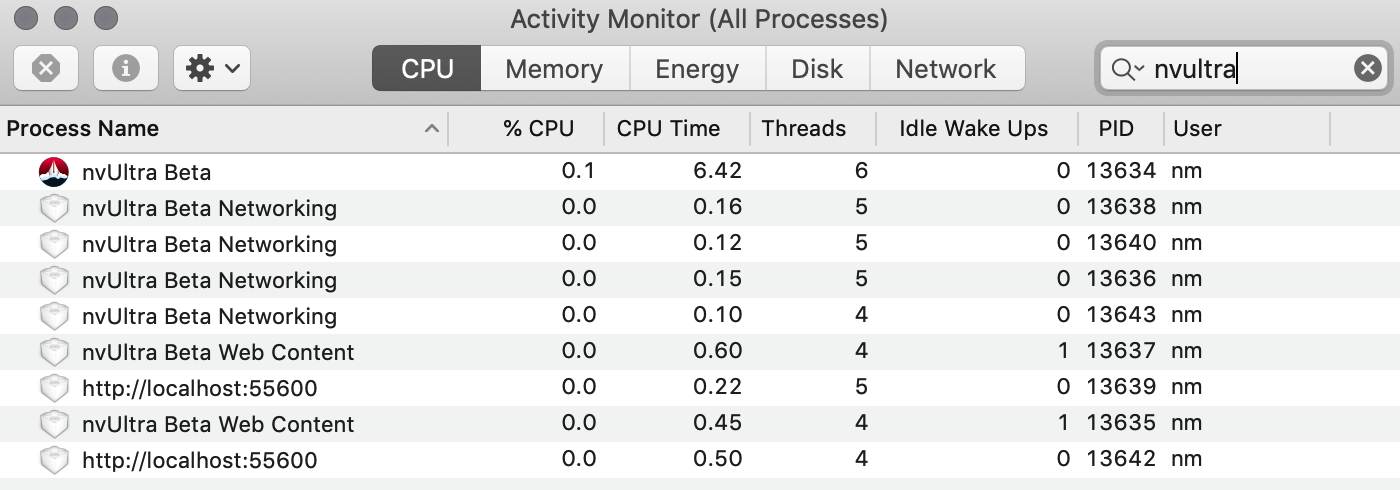
Here's a screenshot of Activity Monitor and the relevant excerpt from Console in case helpful:

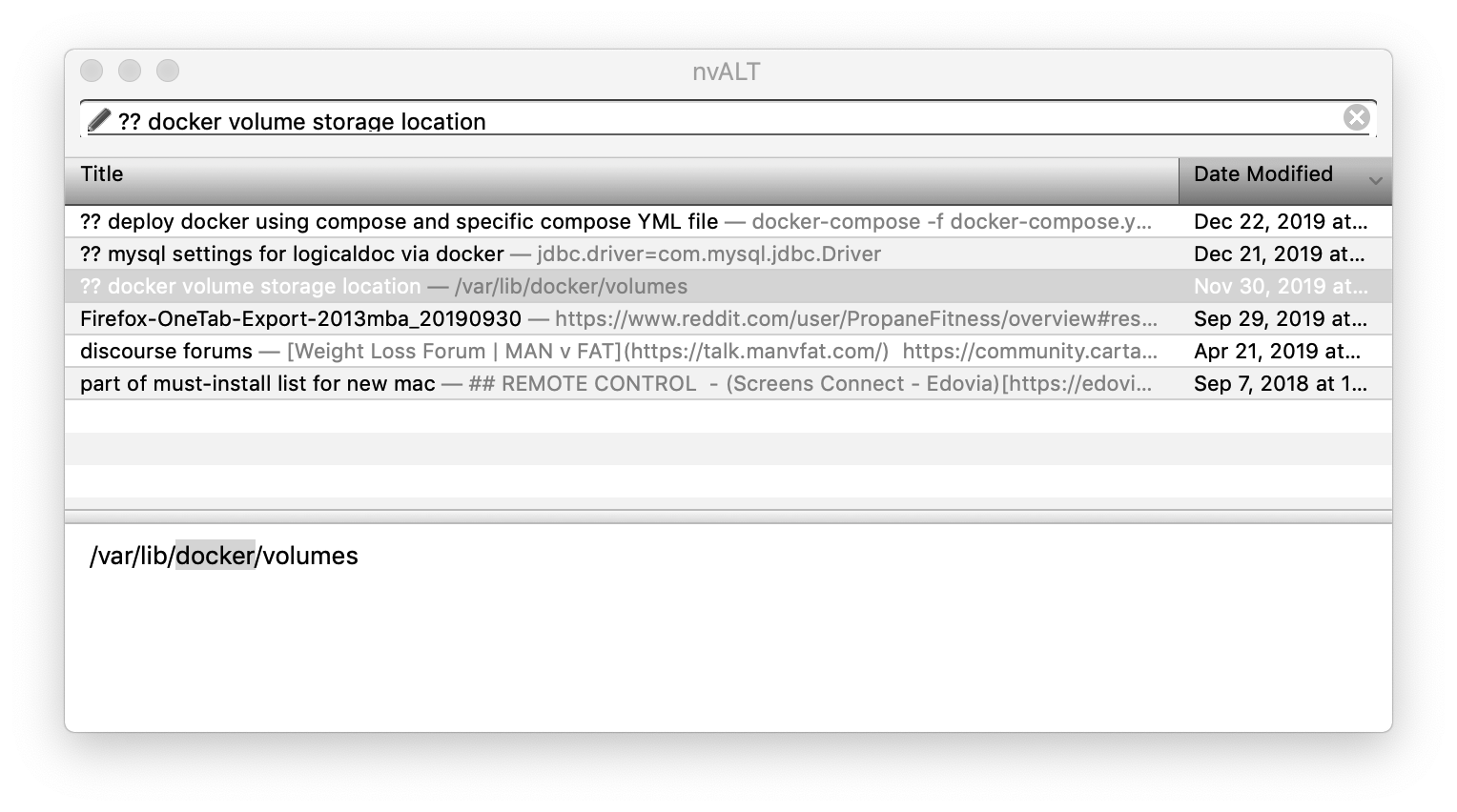
Finally, for comparison's sake, here is a screenshot of the same set of notes within nvALT:
-

It looks like you somehow managed to shrink the editor pane below the minimum width of 200 pixels to 0 pixels, so you can't see it??
You can quit nvUltra and delete the preferences in the terminal -- `defaults delete com.multimarkdown.nvultra`. It should work properly after that.
0 -
Thanks for your quick reply, Fletcher--unfortunately, that hasn't fixed the issue. (I'm also not sure how I would've shrunk the editor pane either.)
Once I delete the preferences through terminal as you say, I relaunch nvUltra and have the same experience as before. When I toggle the Preview off (`ctrl`+`cmd`+`P`), the space for the text editor is there but there's no cursor and no ability to place the cursor there:

If I were to try scrapping this install of nvUltra and starting from scratch, is there anything special I should do to make sure all relevant files are removed from my system before re-installing? Of course I realize that my notes are stored separately in the file system and they will be left intact.
0 -
You don't have a file selected in that screenshot, so that is one reason there is no visible editor. (In the default dark theme, the editor and the notes list have the same background color.)
0 -
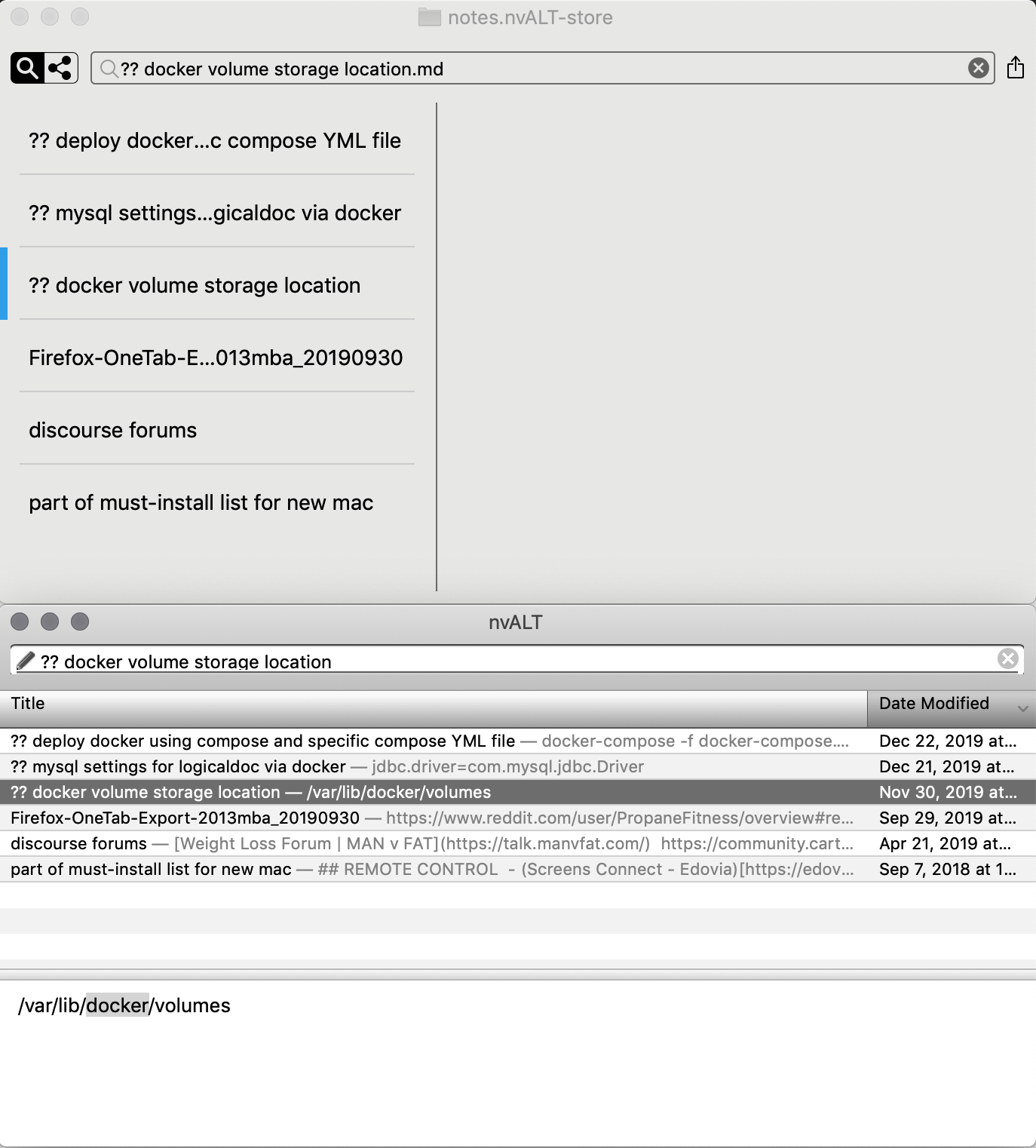
Point taken that I had not selected a note in the list in the last screenshot and that the editor/notes list are the same color in dark mode. Unfortunately the problem persists--*even after I completely removed nvUltra from my machine, emptied trash, and re-installed.* To be sure, I re-installed using release 43 (since that is what the "latest release" post is currently linking to) and the problem persisted in that release and now persists even after updating to release 44. Here's what I see, with a comparison to the same notes in nvALT:
 0
0 -
1. Try changing file extension to `.txt`
2. Put an image in the same folder and select it to try and force the quicklook preview to appear and then select text file again.
0 -
I assume you meant that I should change the default file extension in Preferences > Files to `.txt`. After doing so and also adding a screenshot to the folder, I've had no luck... I'm really at a loss for what's going on here since even completely removing nvUltra and reinstalling from scratch has not resolved the issue. Do you have any other suggestions as to how I can resolve this (or even how it happened to begin with)?
0 -
I actually meant to change the extension on the file in question, but if you change the default and create a new file that would have the same effect.
I don't have a clue as to what happened. I have not heard of this from any one else, and have not seen it myself.
Try changing some of the General->Appearance preferences to rearrange the layout and see what happens. Can also open up "Console" and search for nvUltra and see if anything noteworthy shows up???
0 -
Is this still happening?
BTW -- I didn't ask the obvious question -- did you try rebooting your mac?
0 -
I, too, neglected the obvious answer--I should have started off rebooting my mac! I tried a number of things including deleting the prefs files, completely removing nvUltra and reinstalling--nothing worked! Finally I had to restart my mac for some other reason, and when I decided to dig into this issue again, I opened nvUltra to find that everything was resolved and I had no issue viewing the contents of notes, editing them, etc. Sorry that I didn't try rebooting in the first instance!
0 -
Glad it's now working for you, and if you have trouble again please let us know!!
0
Please sign in to leave a comment.
Comments
10 comments