[Bug] Preview CSS
Completed
If I have a Markdown document open and then use View > Preview CSS > (some other stylesheet) the preview pane goes blank and won't update until I type a character back in the Markdown pane.
-

Can you attach screenshots of your Preview preferences as well as tell me which CSS you are starting with and switching to?
Thanks!
0 -
<bump>
Can you give me further instructions to replicate this?
Also, over the months there have been some tweaks to the CSS files. You can go to Preferences->Preview->"Open CSS Folder". If you have not customized those files yourself, you can delete them, and restart nvUltra to reinstall fresh/updated copies to see if that improves things for you.
Thanks!
0 -

Yep, I’ve had the same twice today. I’ve tinkered with a copy of Brett Terpstra’s CSS files to get Times New Roman, and when I tried it out, the preview window was empty. The problem is that the preview must be triggered once after changing. So after typing any character (I hit space), the preview appeared. Maybe the change of CSS should trigger a new preview automatically.
0 -
It does trigger a preview automatically.
I am unable to replicate this which is why I have asked for further details to try and replicate (e.g. exactly what you're doing, relevant preferences, etc.)
Thanks.
0 -
Well, it should, but it doesn’t … :o) Maybe it comes from my "Update preview" option "Whenever text changes"? If so, this should be overwritten when a different CSS is chosen from the View / Preview CSS menu, I think.
My preference settings:
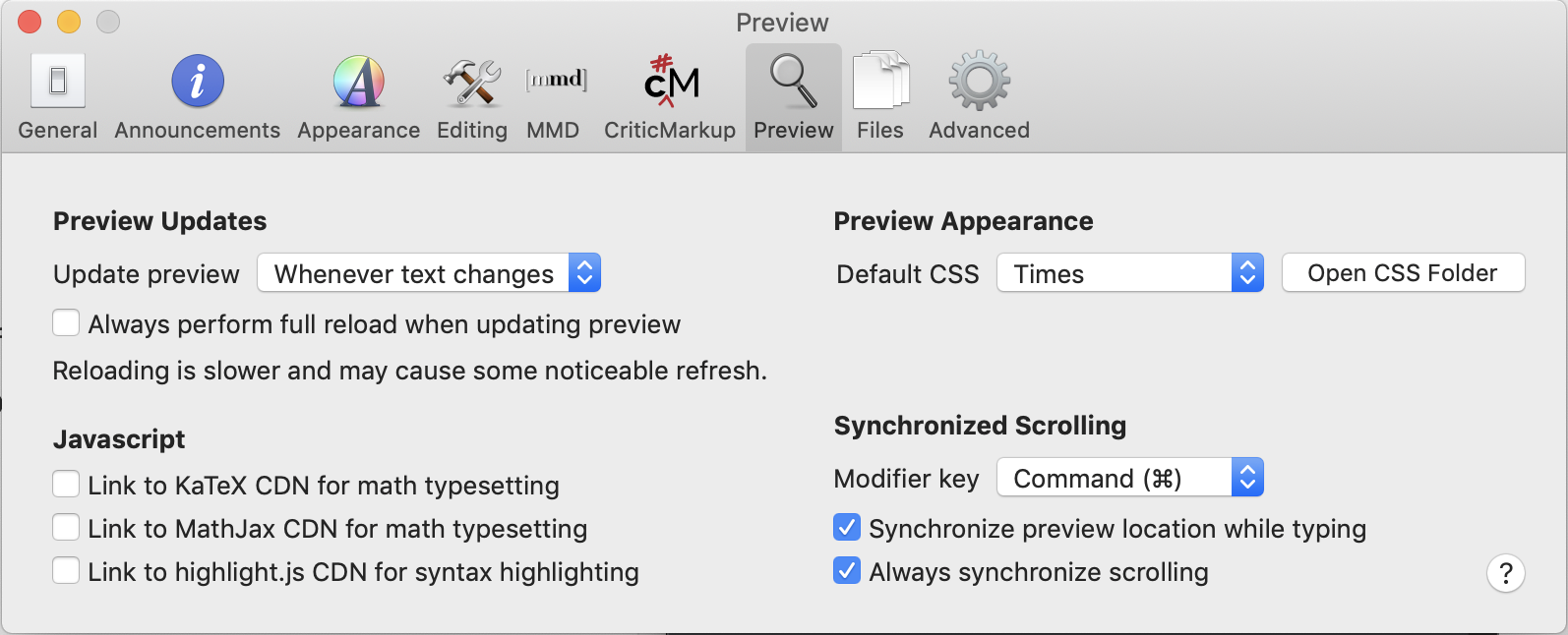
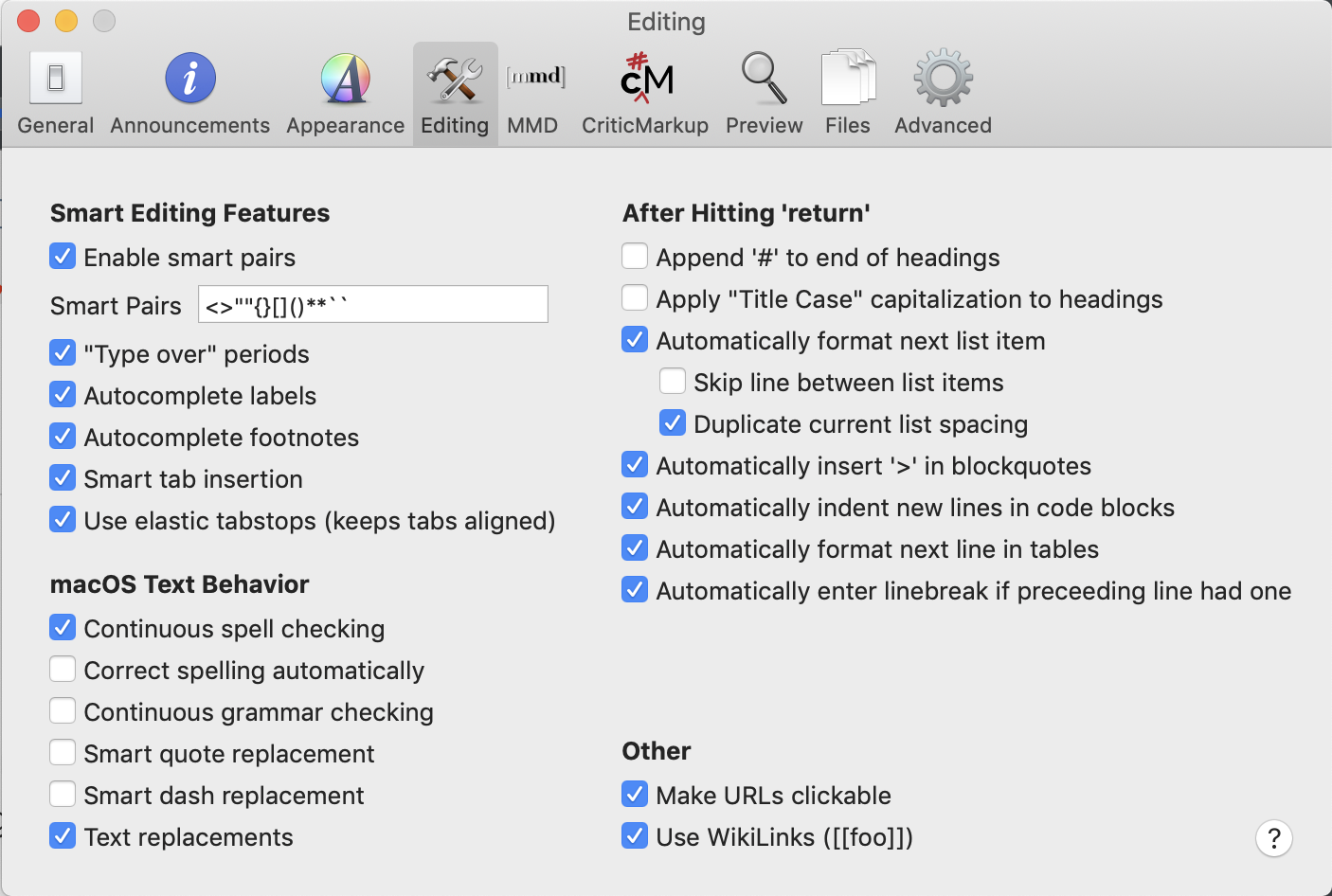
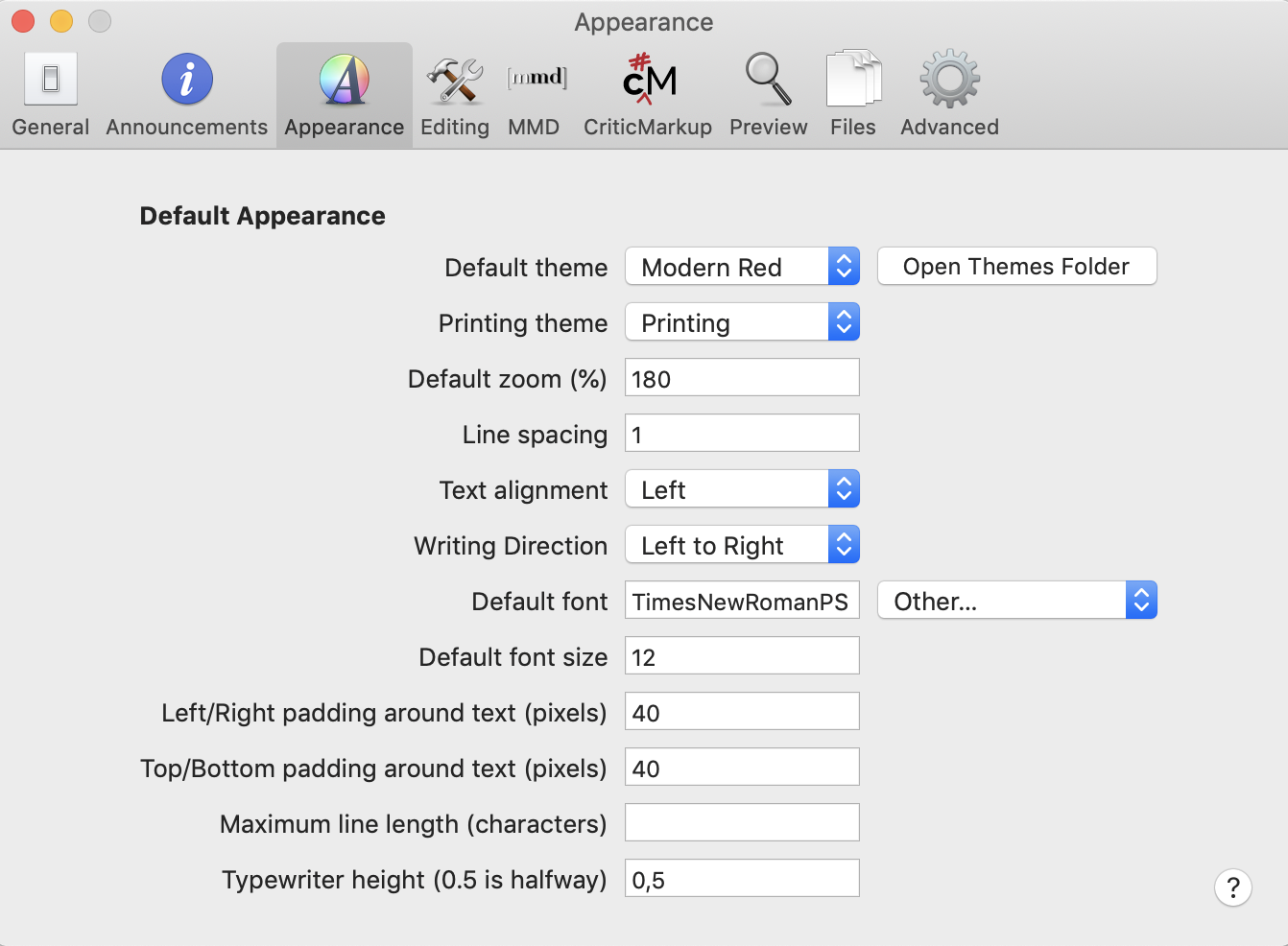
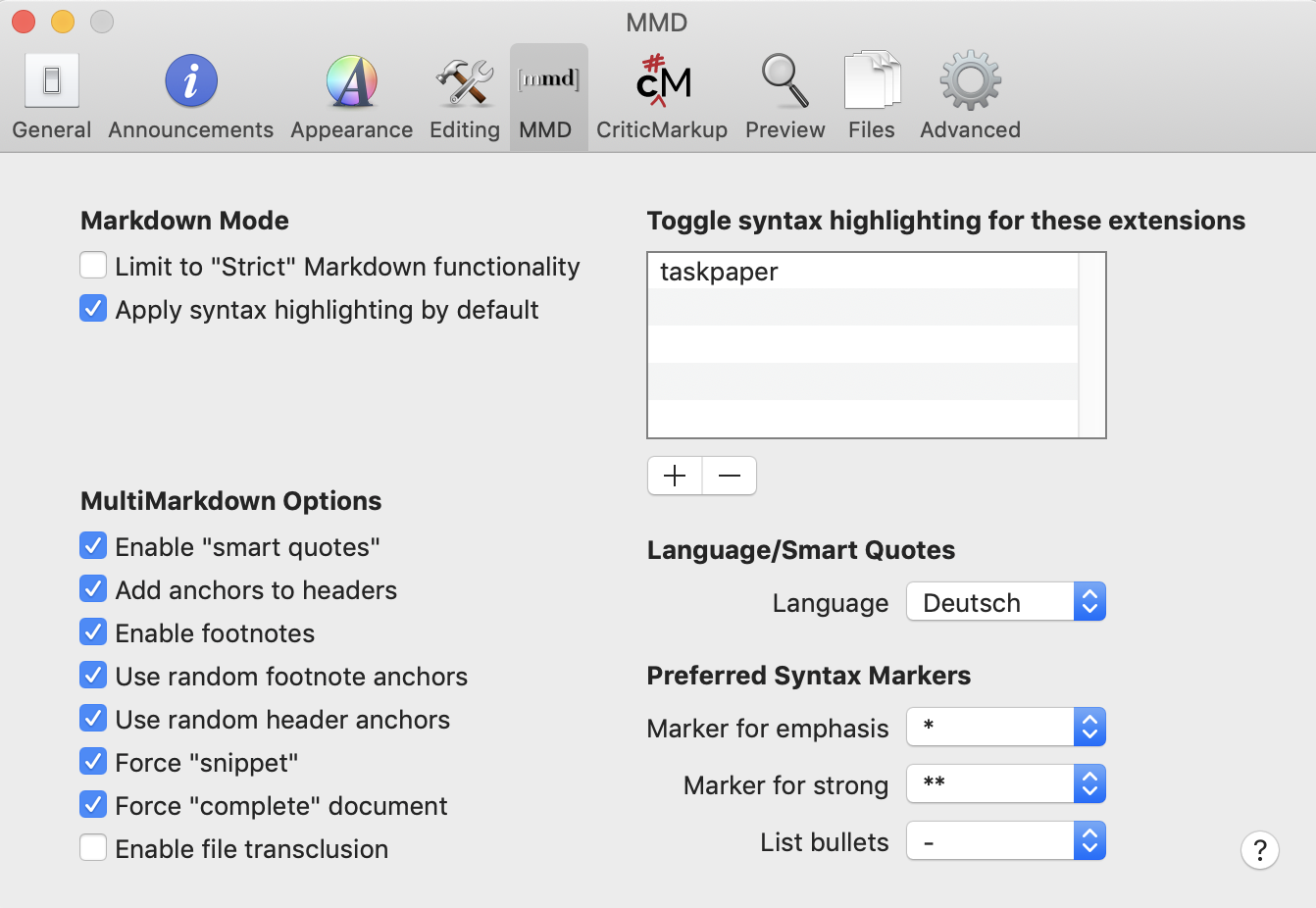 0
0 -
Still can't replicate it.
Can you send me a copy of your CSS theme? Does the same behavior happen when you're only using the built-in themes?
0 -
(Umm, right answer, but wrong issue, sorry … Now the right one:)
After a restart it works normally. "My" CSS is just Brett Terpstra’s CSS with serif font, nothing else changed. And now it works in "my" CSS, too.
0 -
Did you restart nvUltra or your computer to fix it?
0 -
Both.
0 -

I just noticed this bug today as I tested things.
When I switch the preview css to another css file (via the menu), the preview goes blank. In order to make it update, I need to switch to another note. I can make you a movie of this if you need it.
Using the newest beta (64).
0 -
I was able to track it down more. When you create a link to a new note from within a note using [[]] and then follow the link to that new note, the preview will start going blank when you change it to a new CSS file via the menu. Quitting nvUltra and restarting fixes it, at least until next time you create a new note from within a pre-existing one.
0 -
David LaSpina -- Thanks for your method to reproduce. I was able to find a separate bug that caused a similar issue to occur.
Fixed for next release.
0
Please sign in to leave a comment.
Comments
12 comments