nvUltra and BBEdit unwanted data transfer
Completed
Ok, this is a strange one...
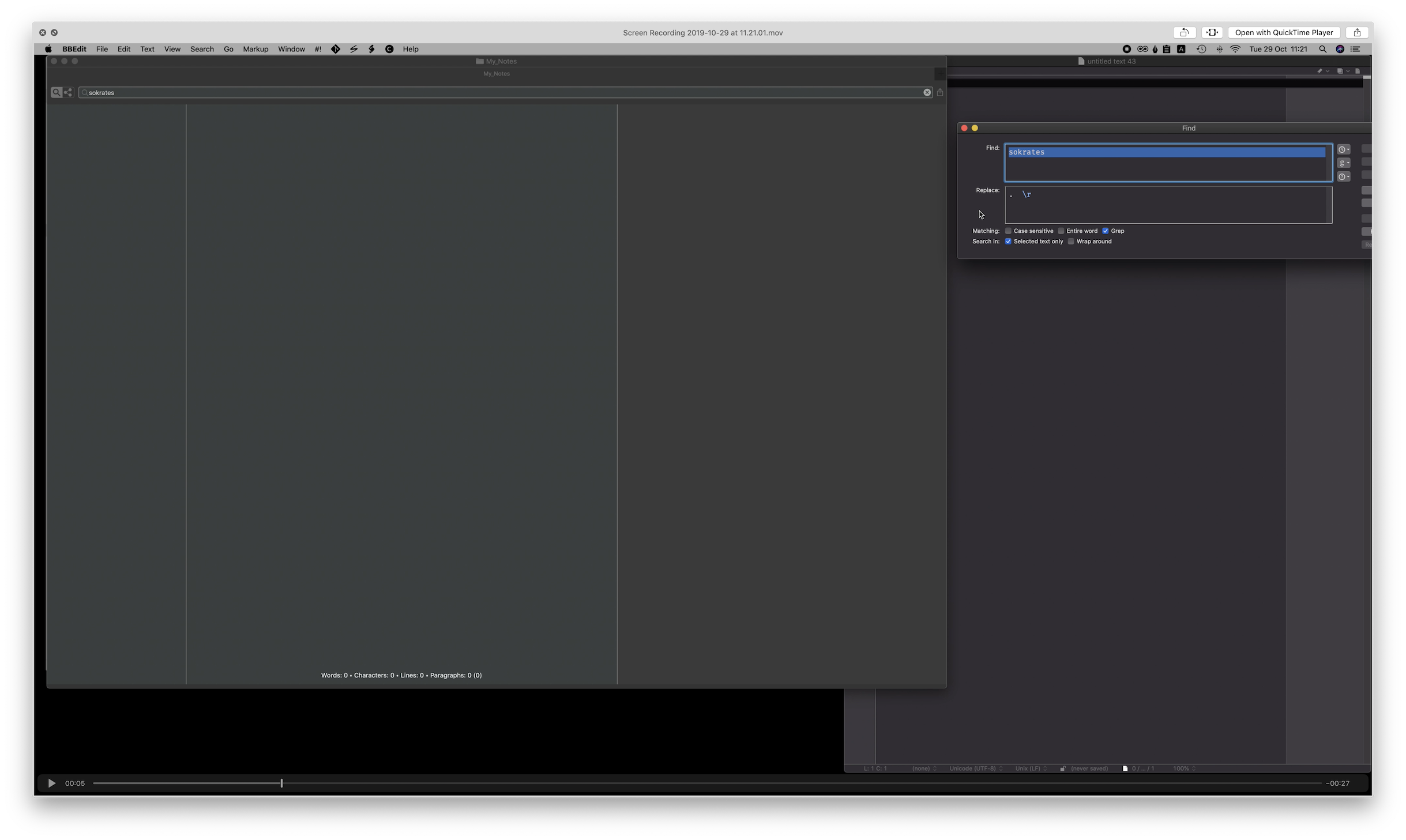
If I leave some text in the search field in nvUltra and then switch to BBEdit, the text in the search field gets pasted into the search field in the Find window of BBEdit. Regardless if that Find window is open or not.
It's unwanted because it, well, it messes up my search expressions in BBEdit. And often I don't notice that this has happened.
As this didn't involve writing anything in the editor window of nvUltra, it did not register any events with the pinned debugging suggestions on this site.
A movie has been sent to Fletcher as this site doesn't allow movie attachments.
nvUltra Version 1.0.0 (39)
BBEdit version 13.0.1
macOS version 10.15
-

This is a normal part of macOS for apps that use the macOS find bar. Not something specific to nvUltra.
You can notice this in TextEdit, Xcode, and tons of other applications.
0 -
Update -- technically, this occurs because of the Find bar inside the textview (which is default macOS behavior), not the search/create bar of nvUltra.
But, per a previous user request which made sense, the search bar is linked to the find bar.
There may be a way that I can only link them when the text view's find bar is activated, which would change the behavior a bit.
0 -
You're right, I can reproduce this with other applications as well.
Never been an issue before, so it must be that my workflow with nvUltra and BBEdit is more back-and-forth (because I use them a lot).
And that most search field gets dismissed when one is done searching, while with nvUltra it is always "on" and often filled with text.I'll just have to remember to clear the nvUltra search field before switching to certain applications.
Selected file names does not carry over, so it's only when there is an unused search that poses a problem.0 -
I mainly run into it with Xcode...
As per second comment thought -- I have tweaked it so that this only happens when you explicitly use the Find Bar within the text editor pane, *not* the search/create bar at the top of the window. So that will help some.
0
Please sign in to leave a comment.
Comments
4 comments