Problems with tags
Completed
I add some tags to a document like "tags: iOS 13". When I search for the tag in the command line the tags show up in correct way but I didn't show me the related document and there is no chance to open it. I end with an new document named like the search tag...
-

1. If you hit enter, a new file will be created regardless of what is in the search/create bar. Sounds like you hit enter after typing your search query. This is the correct behavior. You don't need to hit enter to search.
2. If you send the file you created and exactly what you type in the search bar, I can examine that behavior for you as well.
0 -
Behavior is as follows: If I add a Tag „#ios“ and search for that the file shows up directly on the left side without any additional key strokes. If I add a tag like „tags: iOS“ and search for it the file only shows up when I press the right arrow key (I understand the behavior of the enter key now...) Both types of tags are displayed in the search list after using one of the two triggers (makes no difference)
0 -
Please send the actual file and exactly what you're using to search. Otherwise I am guessing at what you are doing, which usually doesn't help identify the problem. ;)
0 -
 0
0 -
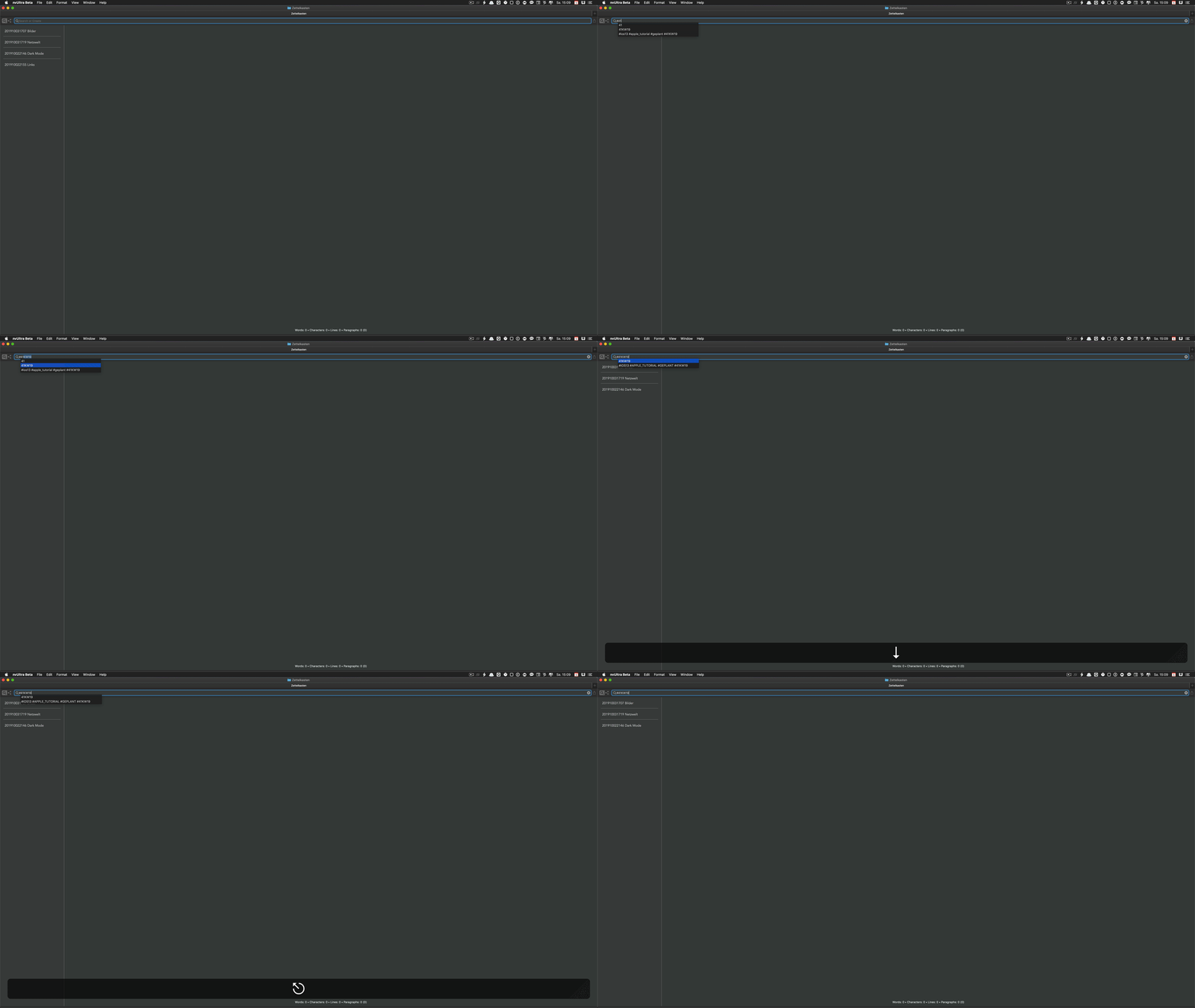
Need to push the Escape-Key three times to navigate again in the app
0 -
The sample file that you sent mixes two types of tagging incorrectly.
You use the MultiMarkdown metadata `tags:`, but then have a single string of terms with no commas. From a MultiMarkdown perspective this is a single long tag `#ios13 #apple_tutorial #geplant #41KW19`. Those terms are then parsed separately as in text tags (since they each start with `#`). If you want to include them all as `#foo` style tags, you should not include them as MultiMarkdown metadata.
As to the video image, I'm not following what you're attempting to do, or what you think is not working correctly.
0 -
I need to push the escape key three times to navigate back to the file list. But I find out that this seems to an issue with a kind cache. When I close the app and restart it from scratch it seem to work correctly. Overall this looks for me not really perfect.
But the app and your project together with Bret are quite great...
0 -
It's hard to tell from your gif, but I believe the issue you are talking about with the escape key is with tag autocompletion. Hit return to accept a completion and then hit escape.
0 -
Joerg Osterodt -- are you still having trouble with tags, or is it now working properly for you?
0
Please sign in to leave a comment.
Comments
10 comments