Help Docs: Add info for exporting from Notion / importing to NVU
Completed
- Create a folder on your system called Notion Export (or whatever you'd like)
- In Notion, for each root-level page, repeat the following:
a. Go to the upper right menu and select "Export"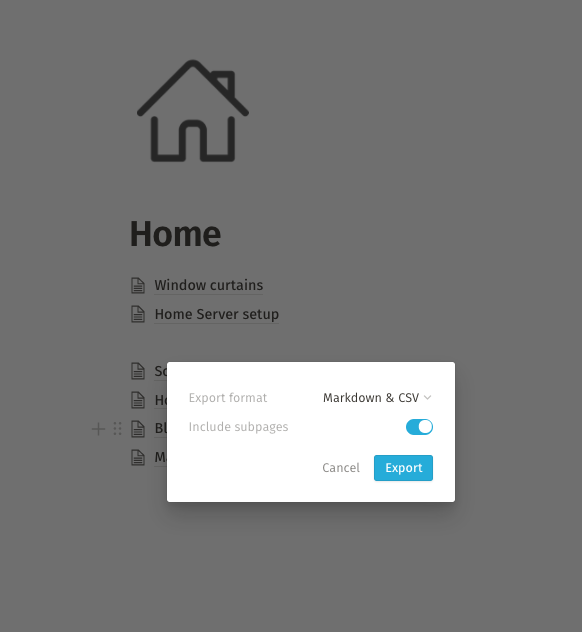
b. Choose Markdown/CSV, subpages on
c. Export to your Notion Export folder - After repeating this for all pages, go to your notion export folder and select all
- Command-O to Open/Unarchive
- Rename the folders to the original names of their pages
You will likely need to change a lot of page titles and recreate your linking structure in tags if needed.
0
-

Thanks for this, I'll add a section!
0
Please sign in to leave a comment.
Comments
1 comment