Problem with .md extension
Completed
Seems that the app by default attaches the .md extension to a note, but then it cannot read any .md files(!?)
Notes.app exporter also creates .md files.
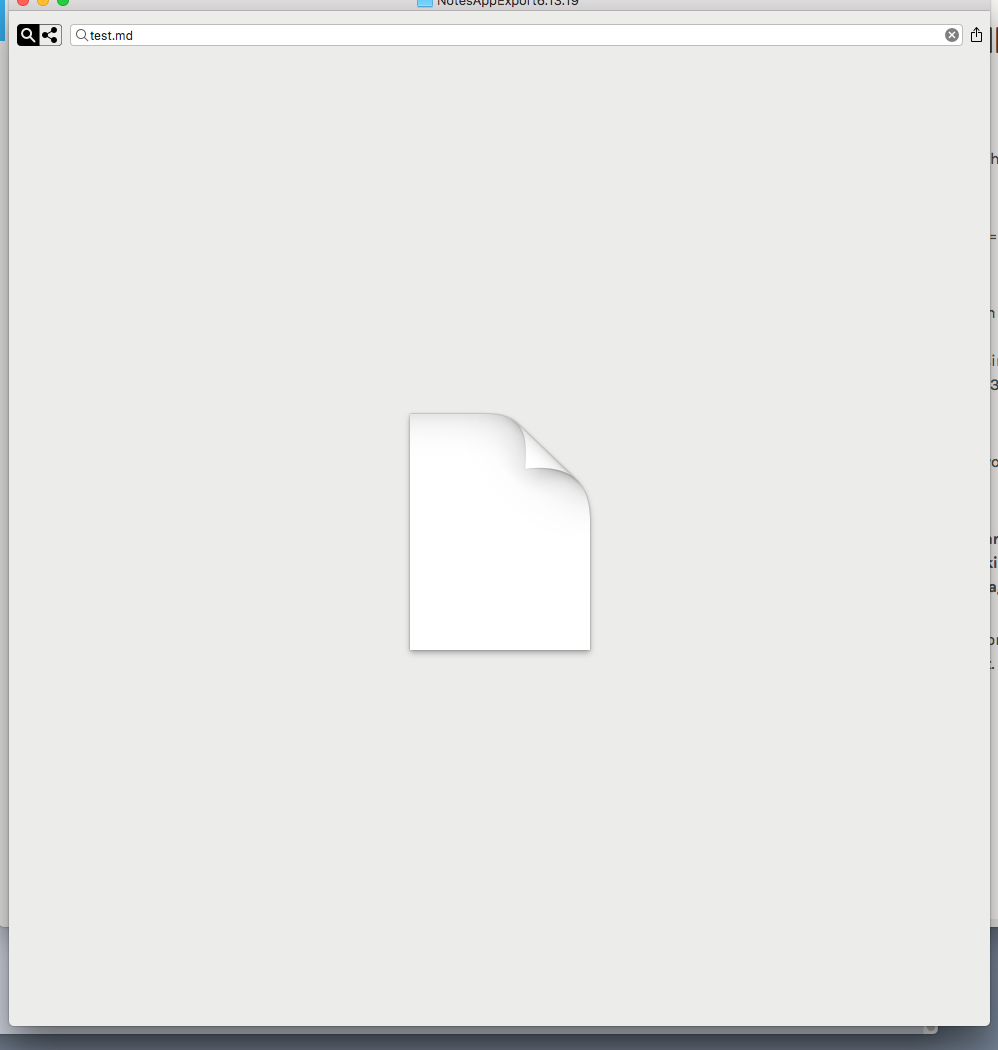
Every time i try to create, or open, an .md - i get this
-

David,
nvUltra can open any text file, regardless of extension. The problem here is most likely another application that is applying incorrect UTI's to files with the `.md` extension.
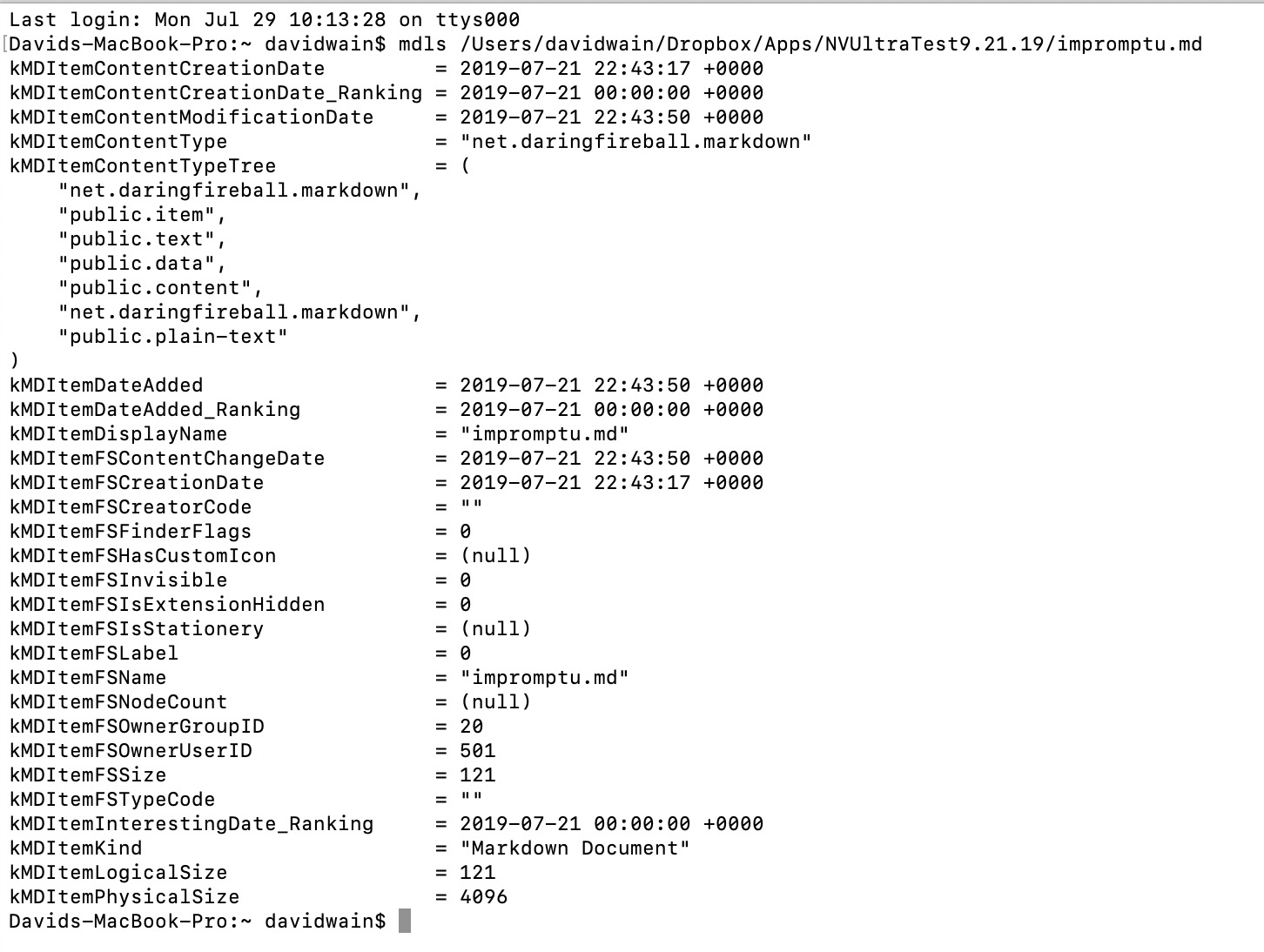
You can use the Terminal to see what your computer thinks a file is -- `mdls filename.md`. One of the `kMDItemContentTypeTree` types should be `public.text`.
Unfortunately, to my knowledge, Apple does not offer a way to control which application "wins" for a particular file extension. So if you have an application that breaks a specific UTI, your options are to remove it, or to use a different file extension. Sometimes you can remove the application and then reinstall it, and a different application might "win". But this is inconsistent.
If it looks like your computer is working properly, then send a screenshot of what you get with the `mdls` command, and we can troubleshoot further.
ADDENDUM -- there may actually be one other situation where the `.md` extension might not work. If you have NO other applications that define a UTI for the `.md` extension. But it sounds like you do (Notes.app exporter?). I'll add a default one to nvUltra, but that might not solve the problem if you have another application with a broken UTI.
Fletcher
0 -
Very interesting. I will explore!
0 -

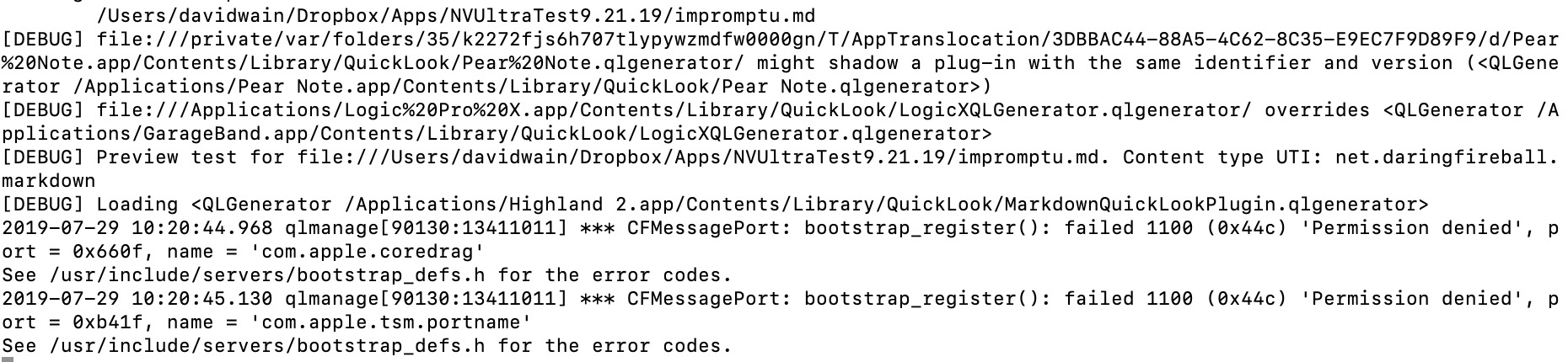
As an aside, the command-line tool you referenced requires a functional Spotlight index, or the file in question to be within an indexed area or mount. Another tool is `qlmanage -d 1 -p /path/to/file`, which is a little noiser, but that command prints how Quick Look figures out what a file is.
0 -

I had that happen to me once, & it was due to MacTeX. If you have that installed, that could be the culprit (although it’s been fine for the last few years for me).
0 -
David - does this work better for you with beta 24?
0 -
Marking this as completed. If the issue recurs, please let us know!
0 -
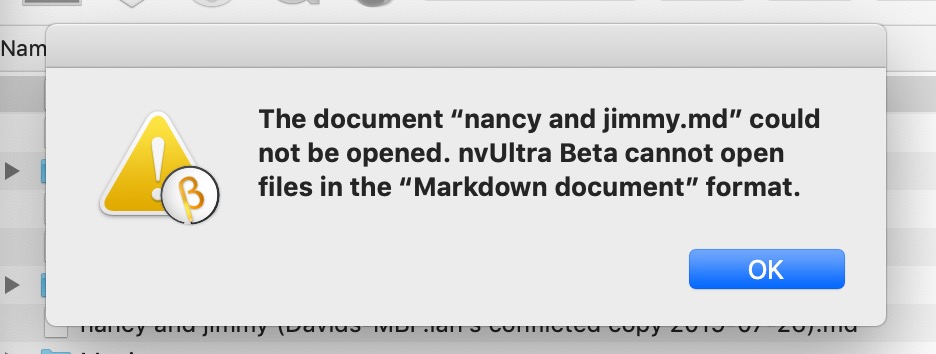
That problem seems to be solved but now I have a related issue: if I want to open a note from the finder, I get:
The document “xxx.md” could not be opened. nvUltra Beta cannot open files in the “Markdown document” format.
Can this be solved?
0 -
That's still most likely a problem with either your OS *or* with the UTIs installed by any other apps.
Can you send us the output from either (or both) of the commands above to help trouble shoot.
0 -
Here are the outputs from both commands
 0
0 -
and the alert:
 0
0 -
The file you debugged and the file causing the error are different files. (impromptu.md vs nancy and jimmy.md). Can you run the debug commands on the nancy and jimmy.md file?
0 -
PS> Thanks!!
0 -
here are both commands on same file:
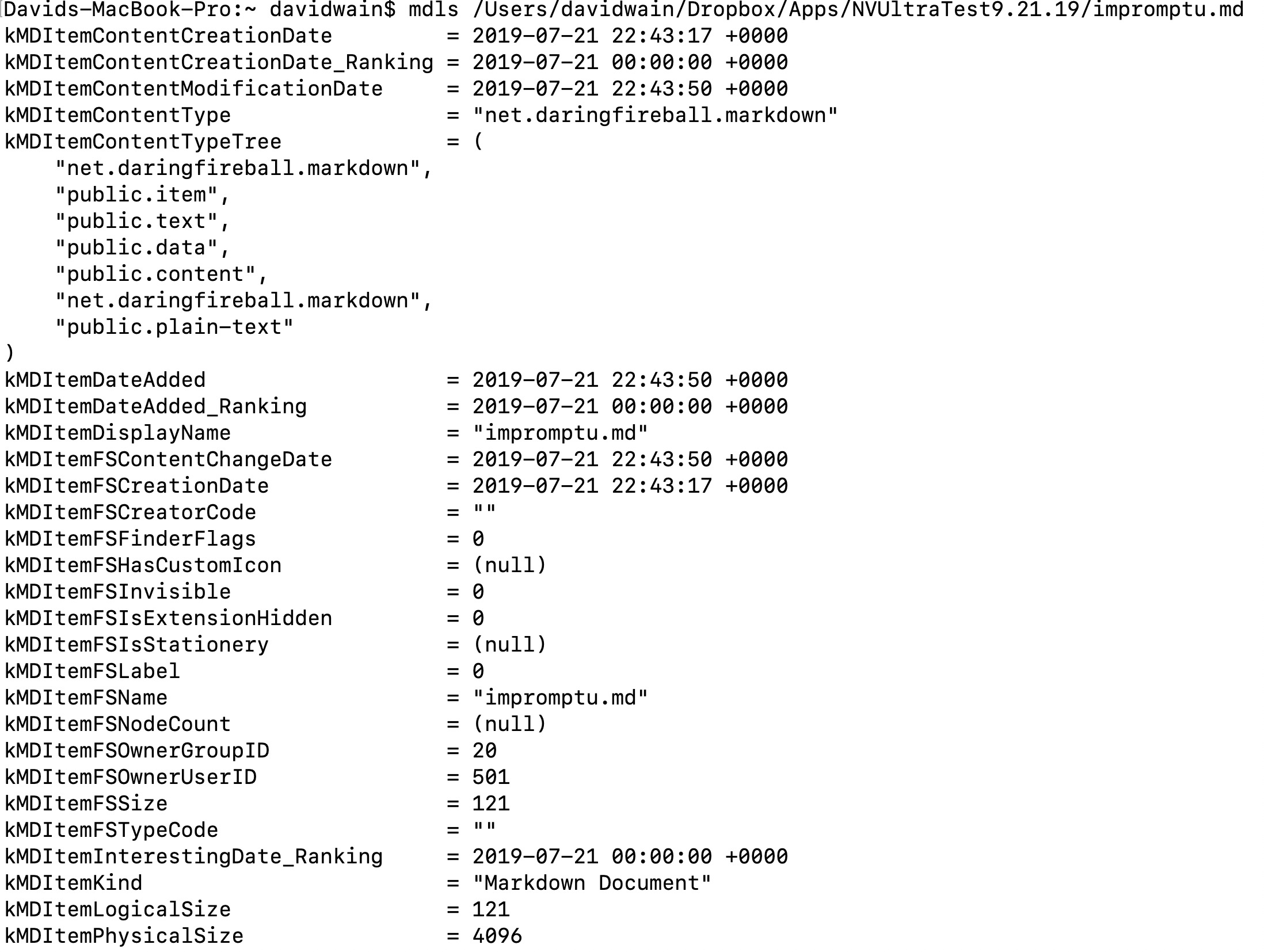
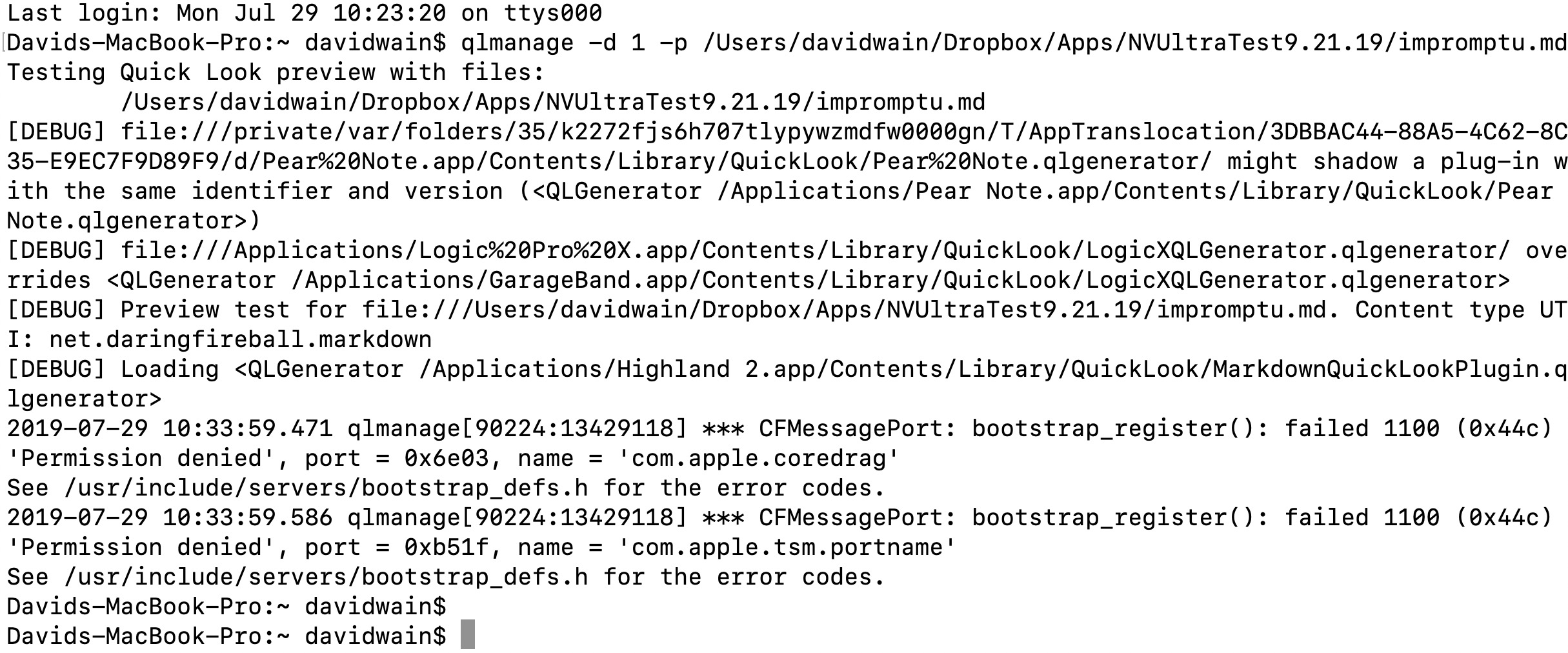
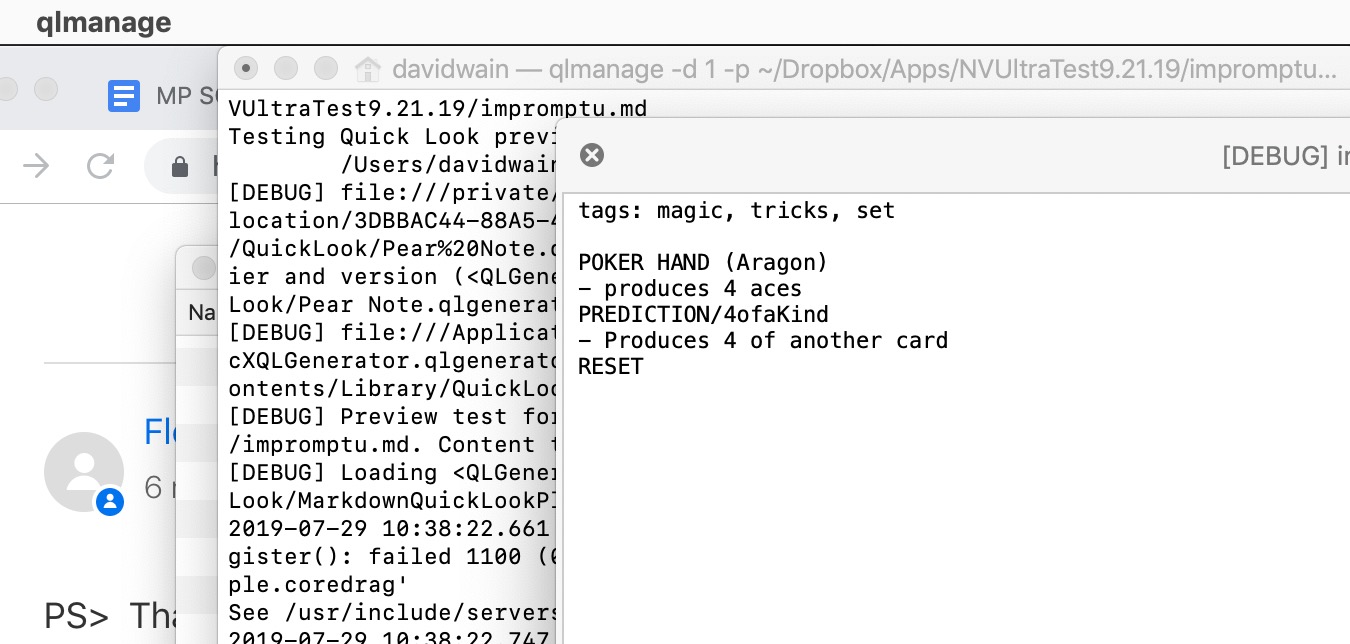
btw - when I ran the second command it opened something called "qlmanage"?
 0
0 -
curious any insight into this - behavior is the same on 3 macs - would love to be able to e.g. open specific notes from Alfred, finder, etc.
0 -

If I understand correctly, I believe this is happening because nvUltra opens folders, not files. There is a url handler you can use with a launcher like Alfred, but it would require creating a workflow for your specific needs. I believe it's the same way that nvALT behaved, though...
0 -
Brett is correct.
David, I missed that you tagged onto another post, but actually were doing something totally different.
0 -
Sorry about that - but now that I've started can I continue here? Or I can start a new one?
Anyway, in my case nvALT does behave as I would expect, but nvUltra does not - here's a screen recording:
https://www.dropbox.com/s/ga4anharyv36vge/opening-in-nvalt-nvultra.mov?dl=0
0 -
Ok, so when you open in nvALT it's actually importing the file if it doesn't exist. That makes sense to do if you only have one bucket and you always know where files will end up, but with nvUltra you never have a guarantee that it's going to put any given file where you want it to go (depending on which folder you have opened, and if no folders are opened, it has no idea where to put it), nor any guarantee that the location you opened from in Finder is going to be the same as the current notebook. The url handler I've set up is geared to accommodate for this, but like I said, it will require building some actions for LaunchBar/Alfred, etc.
-Brett
0
Please sign in to leave a comment.
Comments
18 comments